Section 13.1 Crop plots
The chunk hook
knitr::hook_pdfcrop() can be used to crop PDF and other types of plot files, i.e., remove the extra margins in plots. To enable it, set this hook via knit_hooks$set() in a code chunk, and turn on the corresponding chunk option, e.g.,
knitr::knit_hooks$set(crop = knitr::hook_pdfcrop)
Then you can use the chunk option
crop = TRUE to crop plots in a code chunk.
The hook
hook_pdfcrop() calls the external program pdfcrop to crop PDF files. This program often comes with a LaTeX distribution (e.g., TeX Live or MiKTeX). You can check if it is available in your system via:
# if the returned value is not empty, it is available
Sys.which('pdfcrop')
##                                          pdfcrop
## "/home/runner/.TinyTeX/bin/x86_64-linux/pdfcrop"
If you are using the LaTeX distribution TinyTeX (see Section 1.2), and
pdfcrop is not available in your system, you may install it via tinytex::tlmgr_install('pdfcrop').
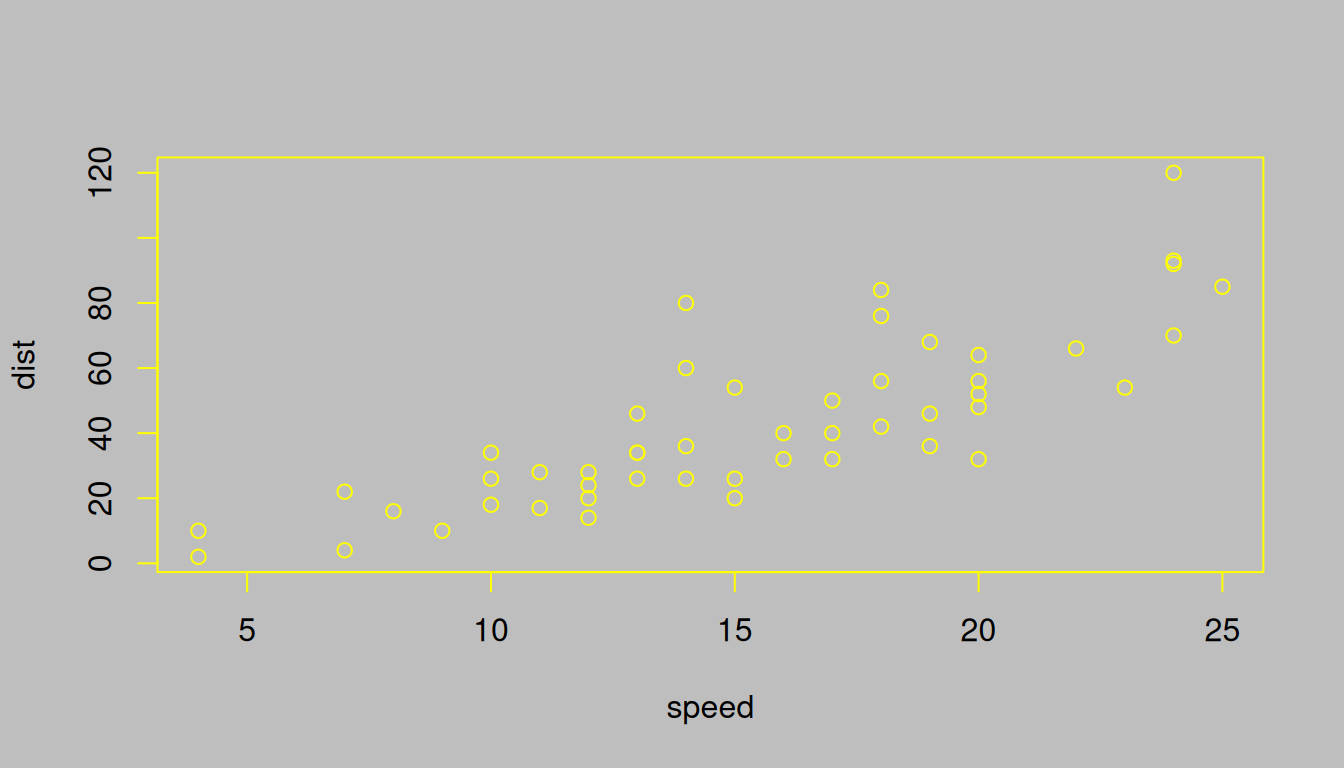
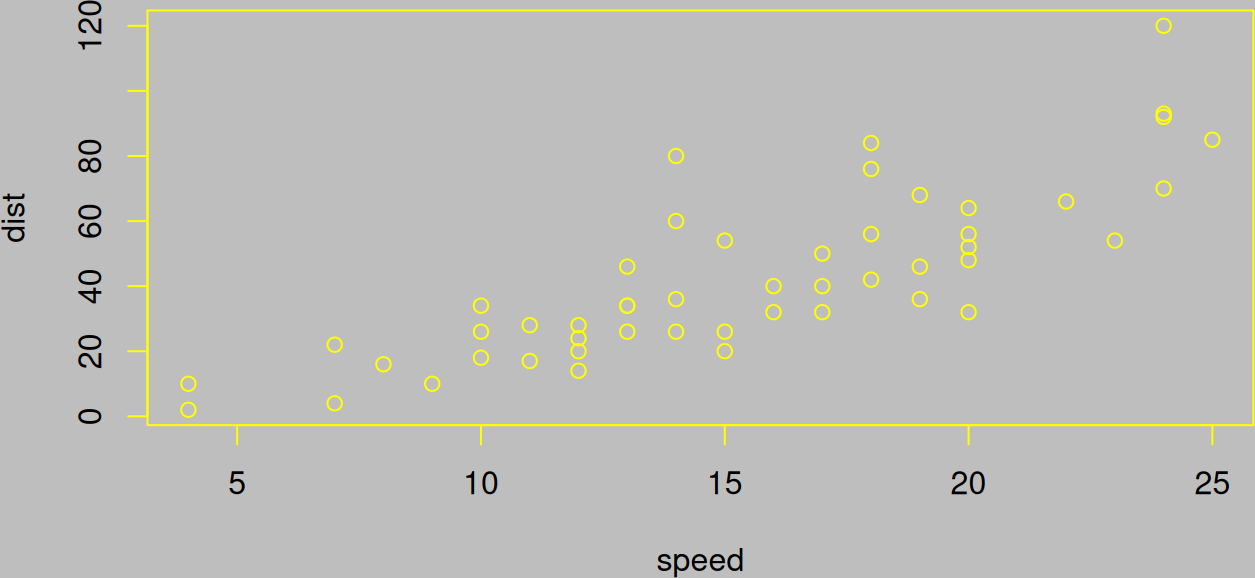
For non-PDF plot files such as PNG or JPEG files, this hook function calls the R package magick [36] for cropping. You need to make sure this R package has been installed. Figure 13.1.1 shows a plot that is not cropped, and Figure 13.1.2 shows the same plot but cropped.