Section 2.14 Images
Only a few decades ago, analyzing a large dataset of images was not feasible for most researchers. Many didn’t even think of images as data. But, there is so much we can get from analyzing image data. Although we will not study images processing techniques in this lesson, let’s look at one example that gives us an idea of how image data can be used.
Within Google Maps there is a Street View feature that allows panoramic views from positions along many streets in the world. One of the things you may notice if you’re looking around on Google Maps’ street view is that for many streets in the world you do not only see houses; you are also able to see cars.
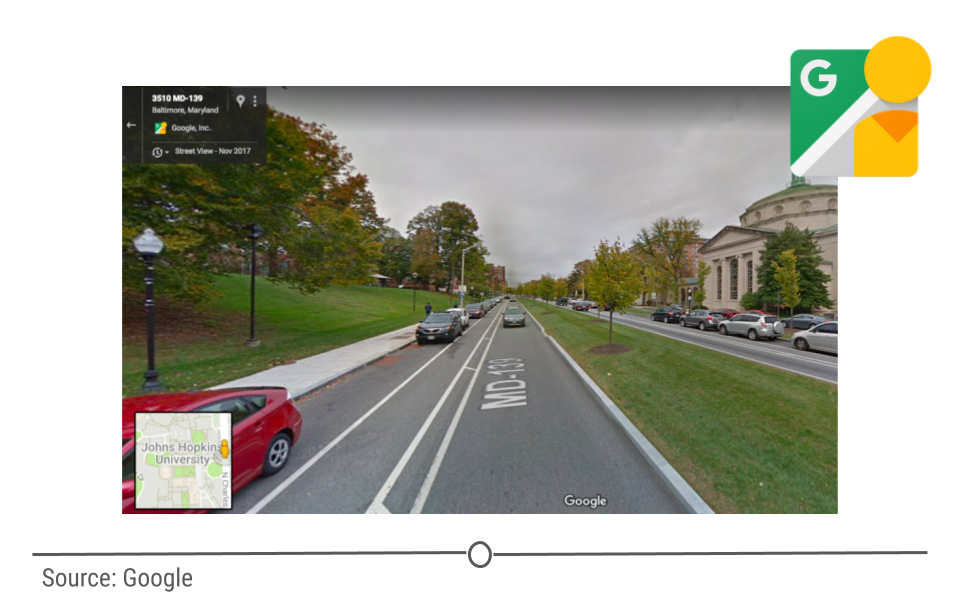
Some 50 million images of cars from over 200 cities were used by researchers to detect the make, model, body type, and age of the cars in each neighborhood. They were able to take unstructured image data and compile a structured dataset! These same researchers then pulled together a structured dataset from the Census and the 2008 elections of demographic information (such as race and income), and voting history in these same neighborhoods.
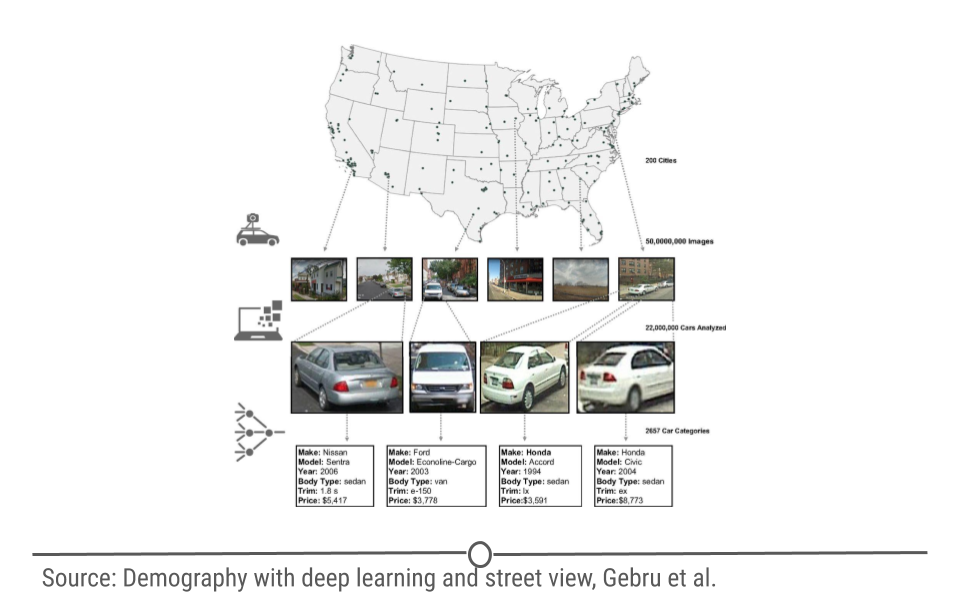
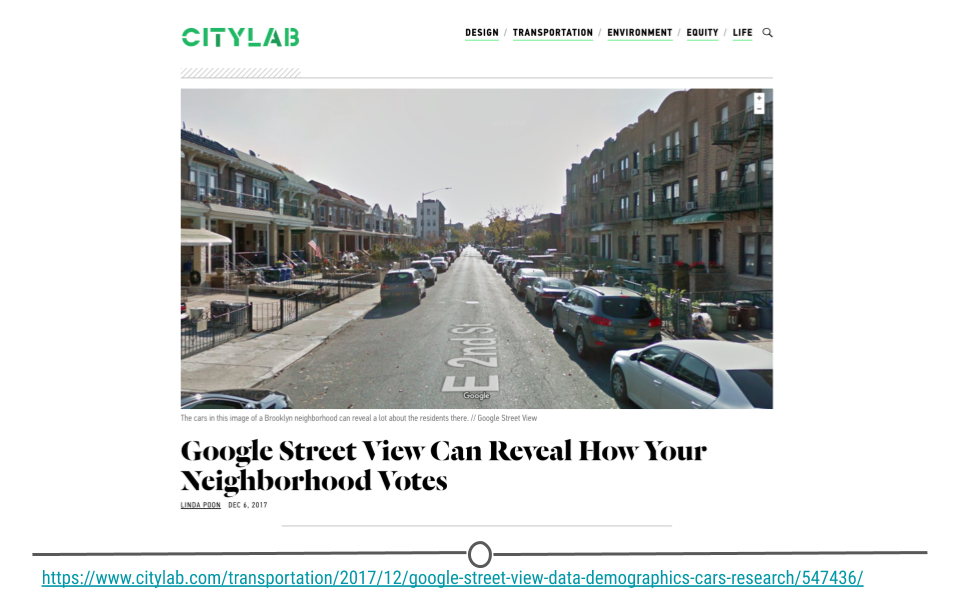
Using these two datasets (the Google Street view car image data and the demographic data), researchers used a technique known as machine learning to build an algorithm that could, from the images of cars in a neighborhood, predict the demographics (race, income, etc) and how that area is likely to vote. Comparing these two sets of data, they were able to accurately estimate income, race, education, and voting patterns at the zip code level from the Google Street view images.
Subsubsection 2.14.1 Reading Images in R
Like with text, there are packages in R that will help you carry out analysis of images. In particular,
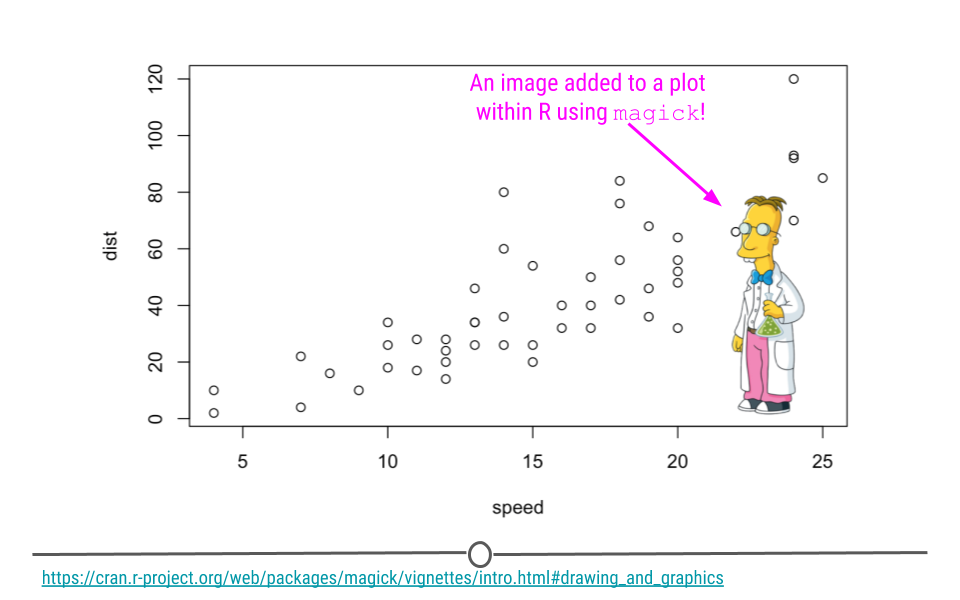
magick is particularly helpful for advanced image processing within R, allowing you to process, edit, and manipulate images within R. Like JSON and XML, where there is more than one file format for a similar task, there are also a number of different image file formats. The magick package is capable of working with many different types of images, including PNG, JPEG, and TIFF. The magick package has a particularly helpful vignette where you can learn the ins and outs of working with images using magick’s functionality. Their documentation will discuss how to read image data into R, how to edit images, and even how to add images to your R plots!
A really useful manipulation that one can perform is text extraction from images. Typically this works best with images that have text, where the text is not angled and is in a conventional font.
We will show how to do this using a couple of tidyverse package hex stickers. This will involve using the
image_read() function to import the image and the image_ocr() function to extract the text.
# install package
#install.packages("magick")
# load package
library(magick)
img1 <- image_read("https://ggplot2.tidyverse.org/logo.png")
img2 <- image_read("https://pbs.twimg.com/media/D5bccHZWkAQuPqS.png")
#show the image
print(img1)
print(img2)
#concatenate and print text
cat(image_ocr(img1))
cat(image_ocr(img2))
Great! We extracted the text!

